
Digital Media Lab
About the Lab
ACP’s Digital Media Lab is a membership-based workspace where photographers can digitize analog film into ultra-high-resolution digital files and create large-format, exhibition-quality prints.
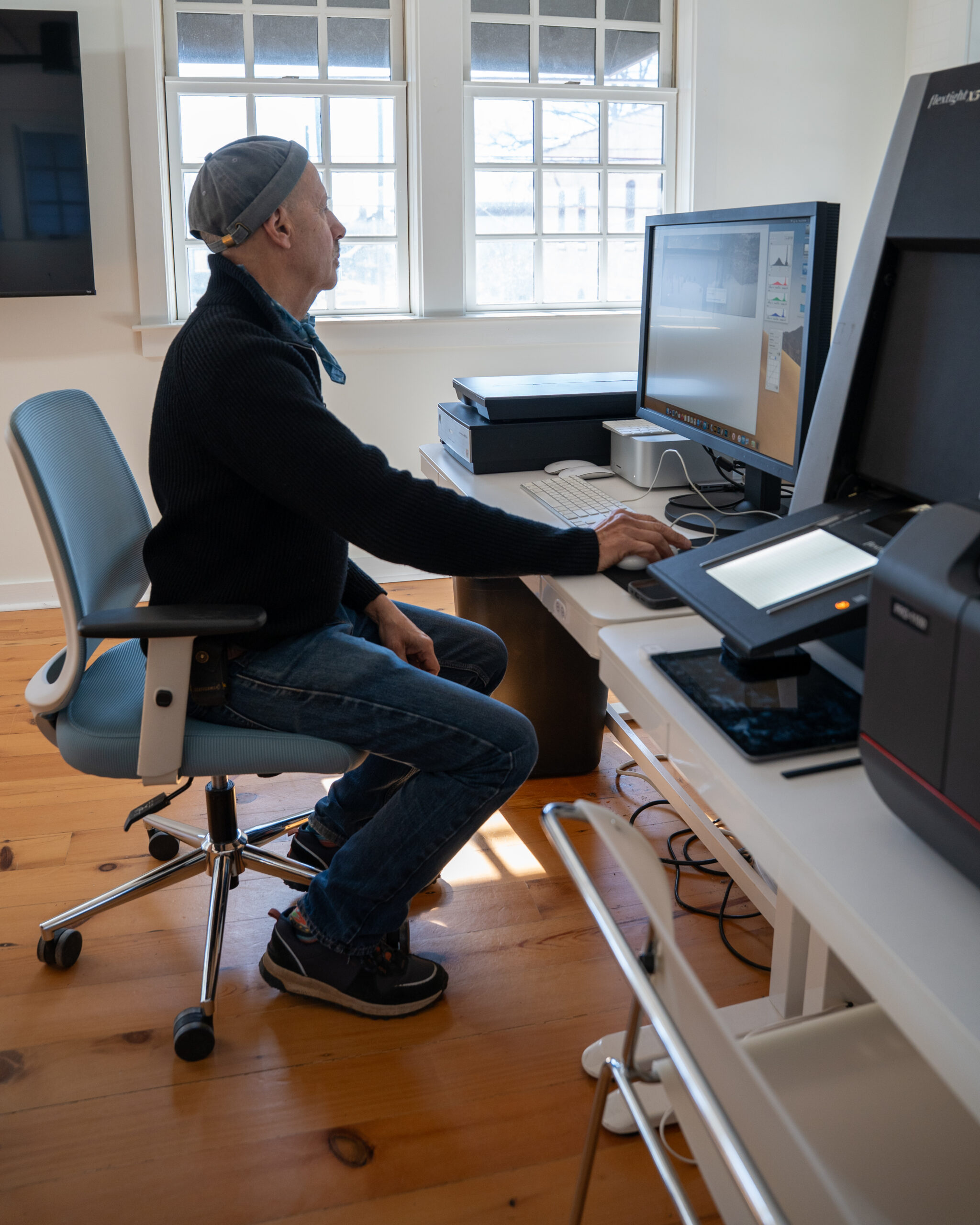
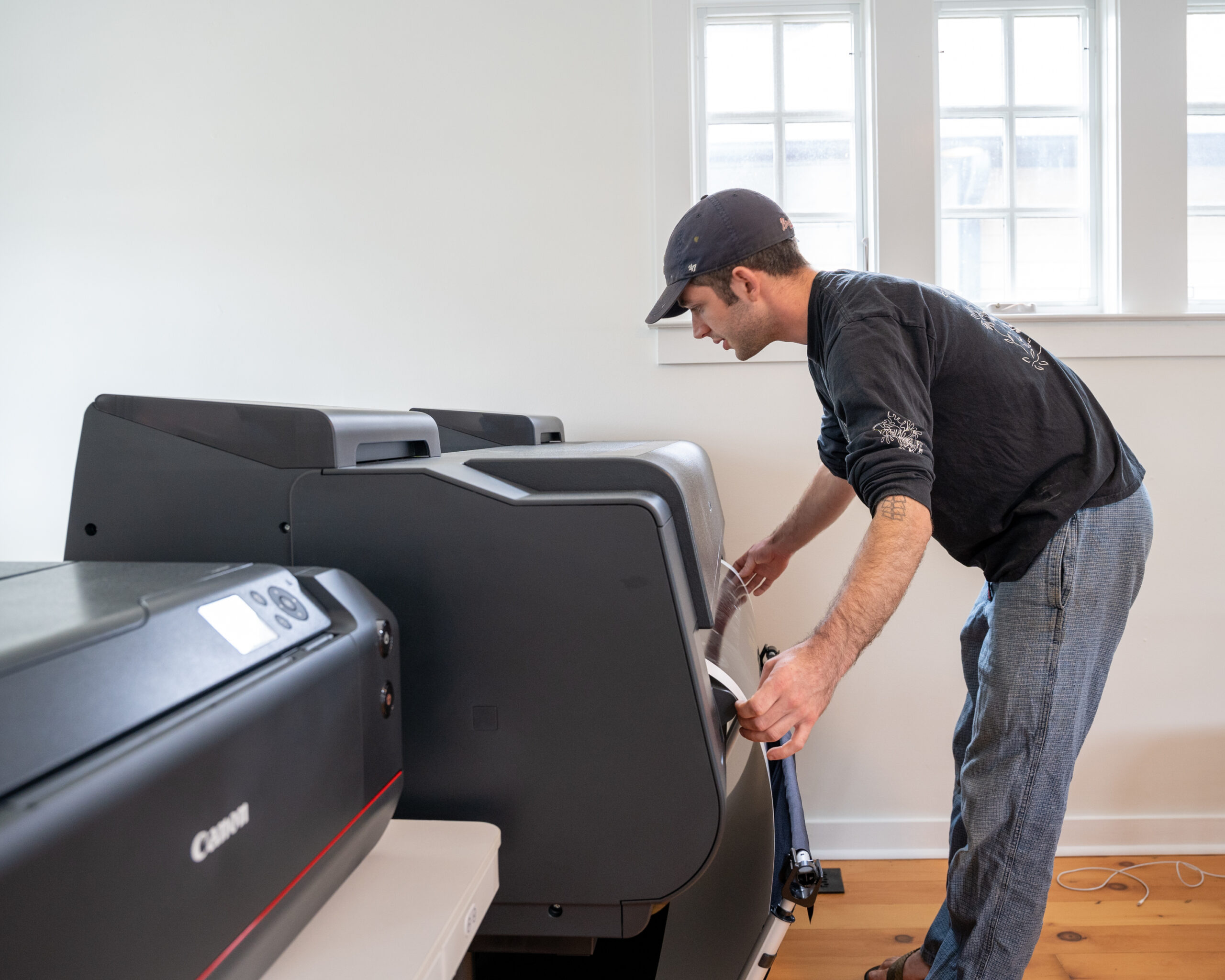
Located on the second floor of the ACP headquarters, the Lab features a professional-grade workstation equipped for digital scanning, editing, and printing.
The workstation includes:
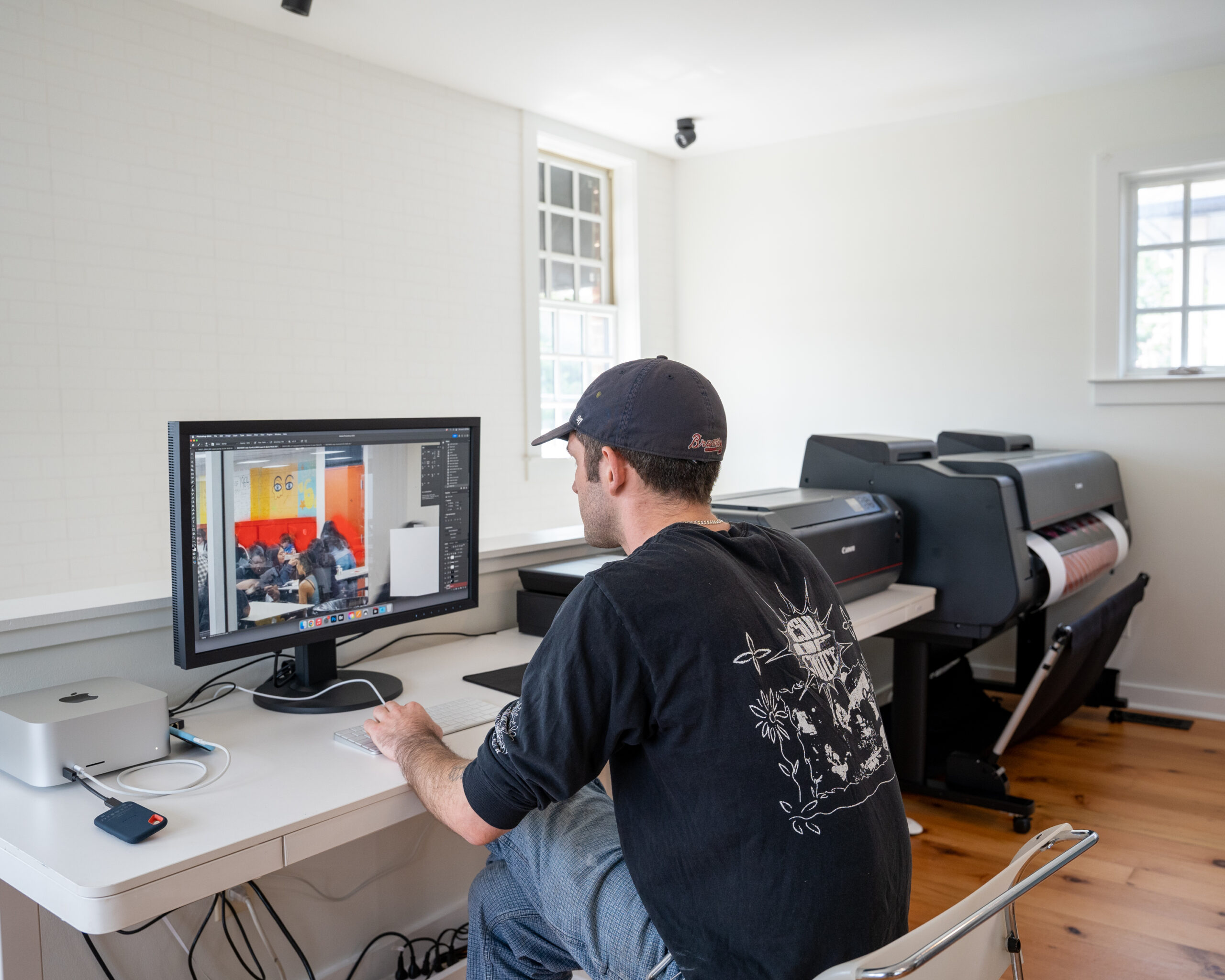
- Canon Pro-1100 17” Printer
- Canon Pro-4600 44” Printer
- Epson Perfection V850 Pro Scanner
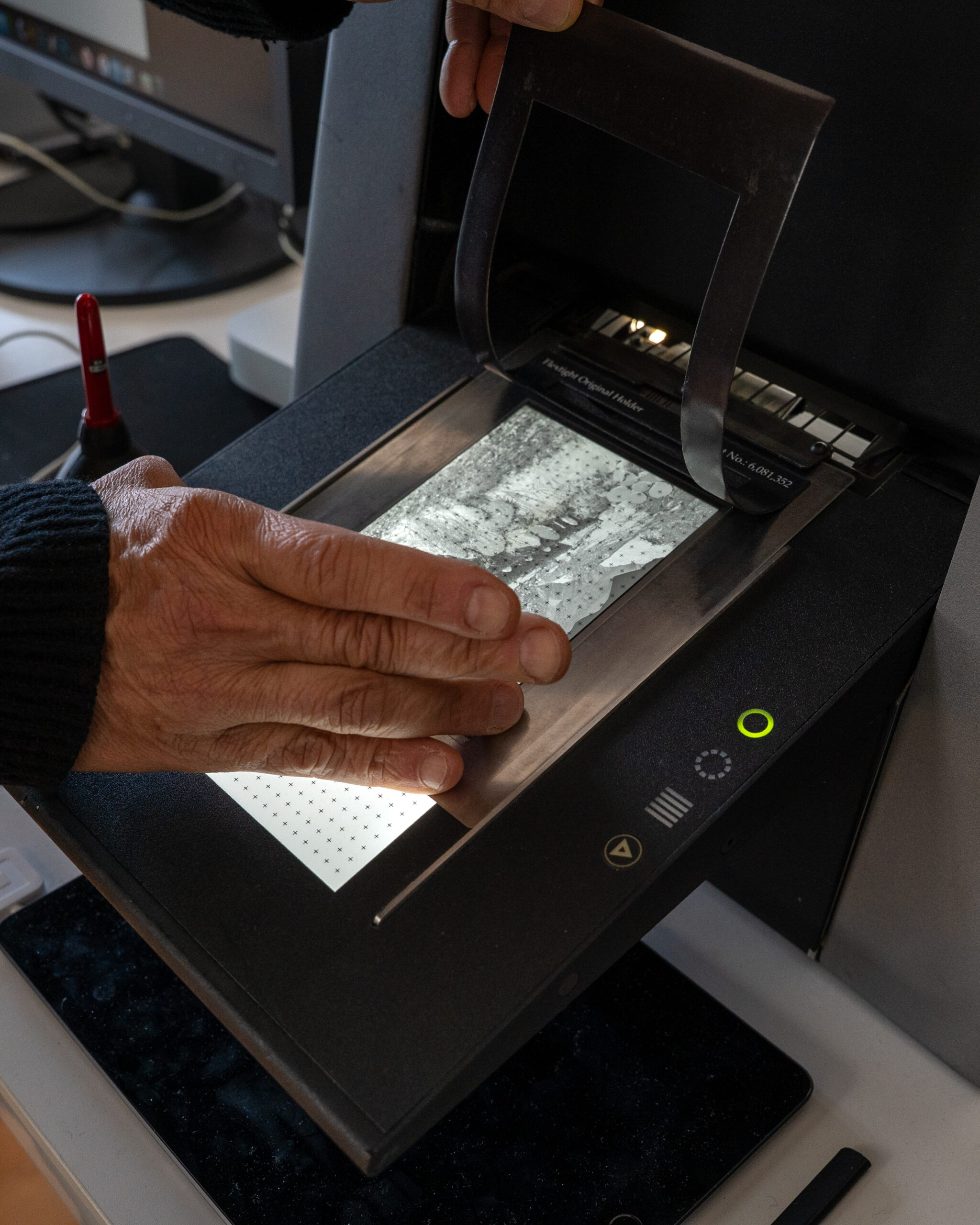
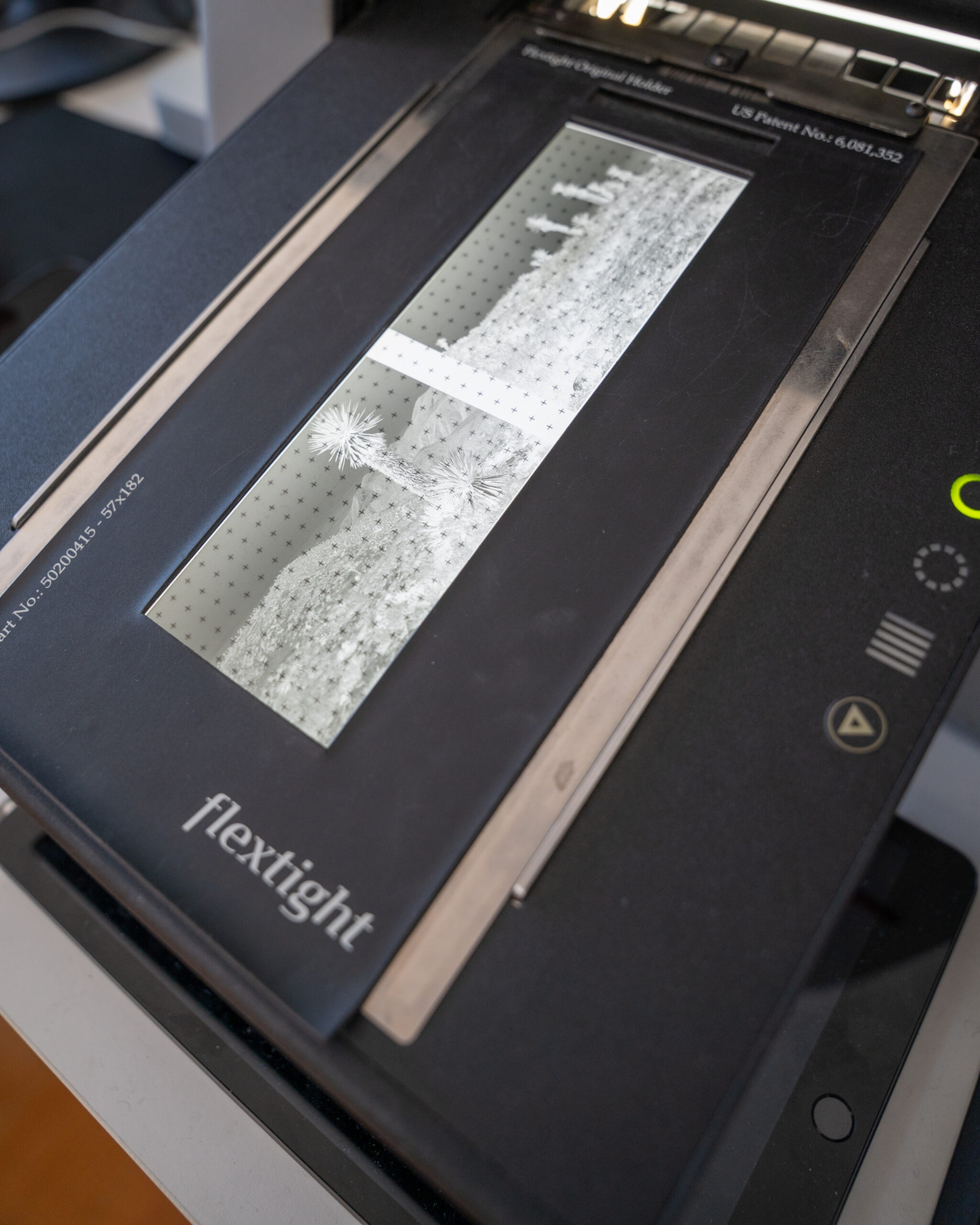
- Imacon Flextight X5 Scanner
- Eizo Monitor
- Apple Mac Studio (M3 Ultra) with Adobe Creative Cloud
Members can reserve the workstation for independent use or with one-on-one guidance with Lab staff.
Make Your Reservation via Calendly
To book, please use our online scheduler. The hours listed reflect our typical lab hours. ACP’s event schedule may affect some reservation availability.
If you’re new to ACP, please reach out via email at digitalmedialab@acpinfo.org before booking an appointment.
Digital Media Lab Hours, by reservation only:
11 AM – 6 PM, Tuesday and Wednesday
12 PM – 5 PM, Friday and Saturday
Getting Started
ACP’s Digital Media Lab is designed to support the full photographic workflow, from film and digital scanning to exhibition-ready printing. Our lab provides photographers with access to professional-grade, 12-color pigment inkjet printers typically found in commercial production facilities and universities.
Through a do-it-yourself model or with one-on-one guidance from lab staff, members can scan, edit, and print their work while developing technical skills and maintaining creative control over the entire process.
To begin using the Digital Media Lab:
- Become an ACP Member (Individual Level or above)
- Make a Digital Media Lab reservation
- Use the lab independently or with one-on-one guidance from staff
Become a Member
Access to the Digital Media Lab is one of the benefits of an ACP Membership.
Membership supports ACP’s programs and operations, including the Digital Media Lab. Individual Memberships starting at $95 include access to the Lab and discounts to ACP classes and workshops.
Learn more about ACP Membership options by clicking the button below.
Lab + Usage Fees
Lab sessions require a reservation fee and material costs that support equipment maintenance, ink, paper, and daily operations.
Printing Reservations:
Printing Lab reservations are booked in 2-hour minimum sessions with a $10 reservation fee per session.
Printing costs are based on material usage:
- ACP House Paper + Ink: Priced by Output
- Bring Your Own Paper (BYOP): Ink-Only Pricing Available
Find our pricing rates below.
Scanning Reservations:
Scanning Lab reservations are booked in 1-hour minimum sessions.
Scanning usage fees are based on the scanner reserved:
- Epson Perfection V850 Pro Scanner (Flatbed): $10 / hr
- Hasselblad Imacon Flextight X5 Scanner* (Virtual Drum): $20 / hr
*Please note our Hasselblad Imacon Flextight X5 Scanner requires ACP Scanner Certification before use.
Print Type
Ink Only (BYO Paper)
Ink + House Paper
To calculate cost: Width (inches) × Height (inches) × Rate
Rate per Square Inch
$0.05
$0.08
Common Print Sizes
| Print Size | Sq. Inches | Ink Only (BYO) | Ink + Paper |
|---|---|---|---|
| 8×10 | 80 | $4.00 | $6.40 |
| 11×14 | 154 | $7.70 | $12.32 |
| 13×19 | 247 | $12.35 | $19.76 |
| 16×20 | 320 | $16.00 | $25.60 |
| 17×22 | 374 | $18.70 | $29.92 |
| 20×24 | 480 | $24.00 | $38.40 |
| 24×36 | 864 | $43.20 | $69.12 |
| 30×40 | 1200 | $60.00 | $96.00 |
| 36×48 | 1728 | $86.40 | $138.24 |
| 44×60 | 2640 | $132.00 | $211.20 |
FAQ’s
Does ACP have any house papers available?
Yes, ACP offers Canon Pro Luster paper in both 13″ x 19″ sheets and a 42″ x 100′ roll.
Are there any tips for best printing results?
Yes, we recommend providing high-quality files at 300 DPI for optimal printing results. For best color accuracy and clarity, use either TIFF or high-quality JPEG formats, and set your color space to Adobe RGB or sRGB. Before proceeding with large-scale prints, we strongly recommend requesting a test strip to preview how your file will print and make any necessary adjustments.
Need Help?
Lab staff are available to assist with orientation and basic troubleshooting. We kindly ask that you respect your reservation time to ensure fair access for all users.